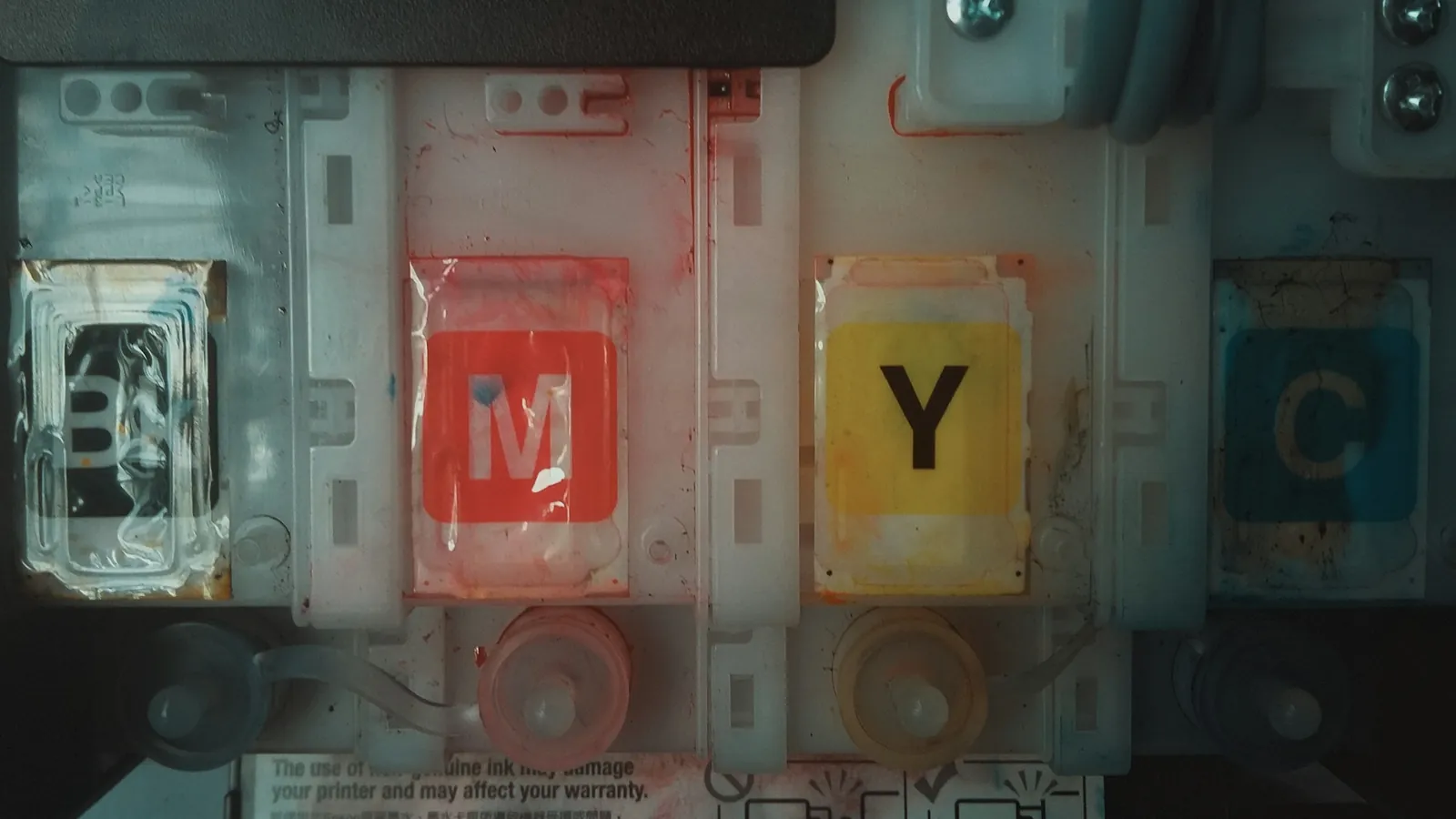
Short answer: a DTF printer stays healthy if ink moves through it most days. The Procolored K13 Lite manual sums up the routine: shake the white ink every day, run a nozzle check before each job, clean around the head at the end of the day, and never leave the printer unused for more than two weeks. Keep the room above 71°F and 50% humidity. Skip that, and the white channel clogs first.
Why do DTF printers clog?
Because of the white ink. DTF inks are water-based pigments, and white is the heaviest: its pigment settles at the bottom of the tank and dries in the nozzles when it sits still. Procolored's manual puts it bluntly: not using the printer for more than two weeks "can cause the water-based ink to dry up which clogs the head".
Dry air makes it worse. The same manual asks for humidity above 50%, because a dry room speeds up evaporation and makes clogging more likely, and for a temperature above 71°F so the ink stays fluid. InkSonic gives 40 to 60% relative humidity as the recommended range for its Spark F13; xTool and HTVRONT give an operating range of 30 to 80%.
What does the daily routine look like?
Here is the schedule printed in the K13 Lite manual. Other brands word it differently, and the logic is the same; read your own manual for the exact steps.
- Start of the day: shake the white ink bottle, then run a nozzle check before sending a job. A clean test pattern means every channel fires.
- If a channel is missing: run a head cleaning from the software and print the test again.
- No orders today? Print a test strip anyway. The manual asks for at least one small print job to keep ink moving.
- End of the day: clean around the head, the wiper blade and the top of the capping station, where ink builds up, then flush the cap with cleaning solution. The manual prints one warning in capitals for these three spots: do not use alcohol.
That is five to ten minutes. InkSonic says the same of its own routine: daily maintenance "in just 5 minutes".
What else is on the maintenance list?
The rest of the manual's list is short and mechanical:
- every week: clean the pinch rollers with a dry microfiber or lint-free cloth, so the film feeds straight;
- when needed: empty the waste ink tank before it overflows;
- when needed: wipe both sides of the encoder strip with isopropyl alcohol if it shows ink splashes (the one place where alcohol is allowed);
- when you hear it squeak: grease the carriage rail.
Add one habit of your own: look at the white ink lines. Streaks in the white layer of a test print are the early sign that the white channel needs attention, long before a full clog.
What do the automatic systems really do?
They buy you time between sessions. They do not replace the routine. Here is what each maker states, in its own words where we could read them.
| Printer | Score | Price | Width | Stated speed | White ink care | Computers | Warranty | Where |
|---|---|---|---|---|---|---|---|---|
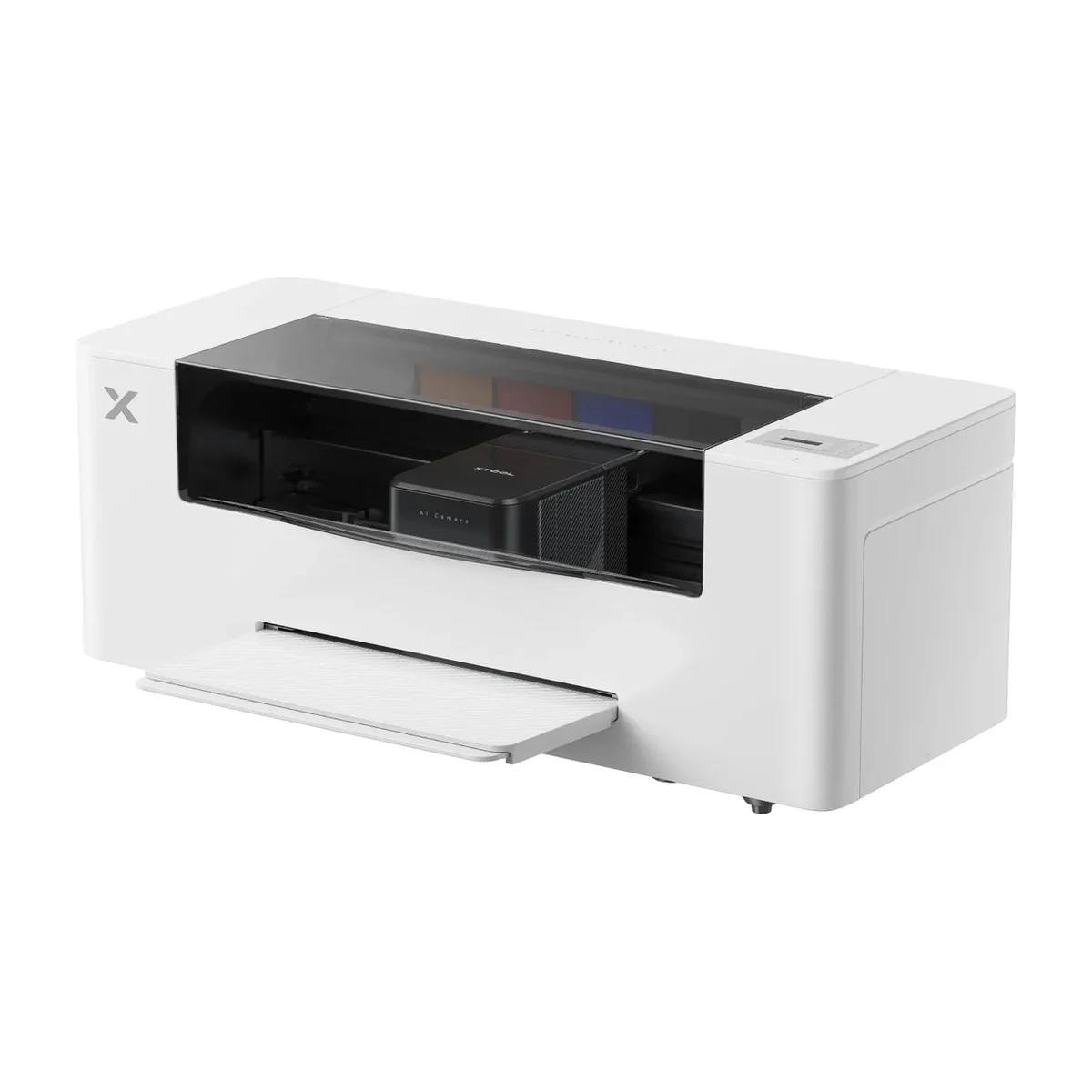 xTool Apparel Printer PlusDual Epson I1600 | 8.8/10 | $4,899 Nov 15, 2026 | 14 in | Up to 50 sq ft per hour (at 720 x 1200 dpi) | Circulation, stirring, scheduled self-cleaning, humidity control | Windows, macOS, iOS, Android | 6 mo head · 12 mo machine | Check price at xTool |
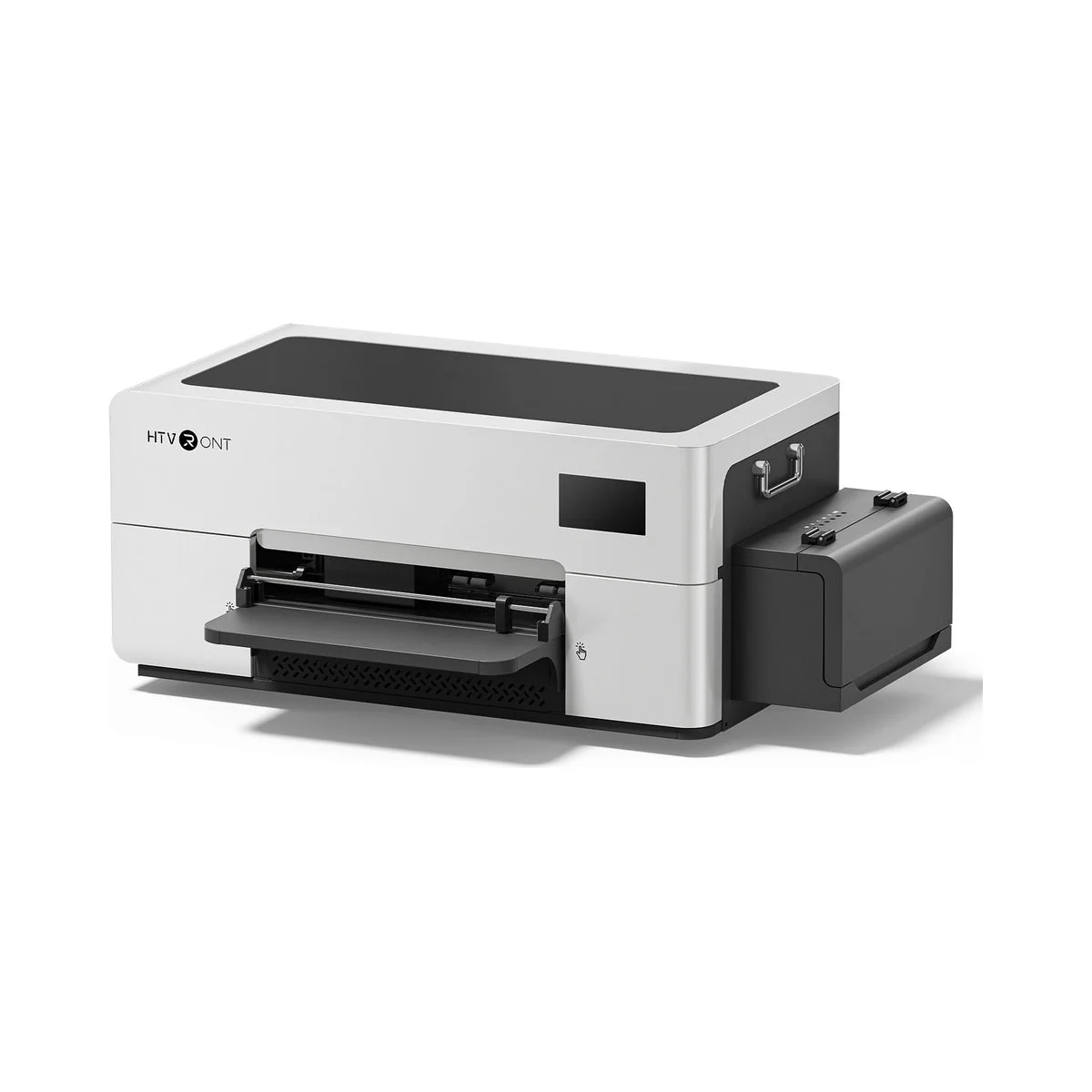 HTVRONT D2Epson F1080 (original, per HTVRONT) | 8.6/10 | $2,549 Nov 15, 2026 | 13 in | Up to 16 sq ft per hour | Circulation, stirring, scheduled self-cleaning | Windows | 6 mo head · 12 mo machine | Check price at HTVRONT |
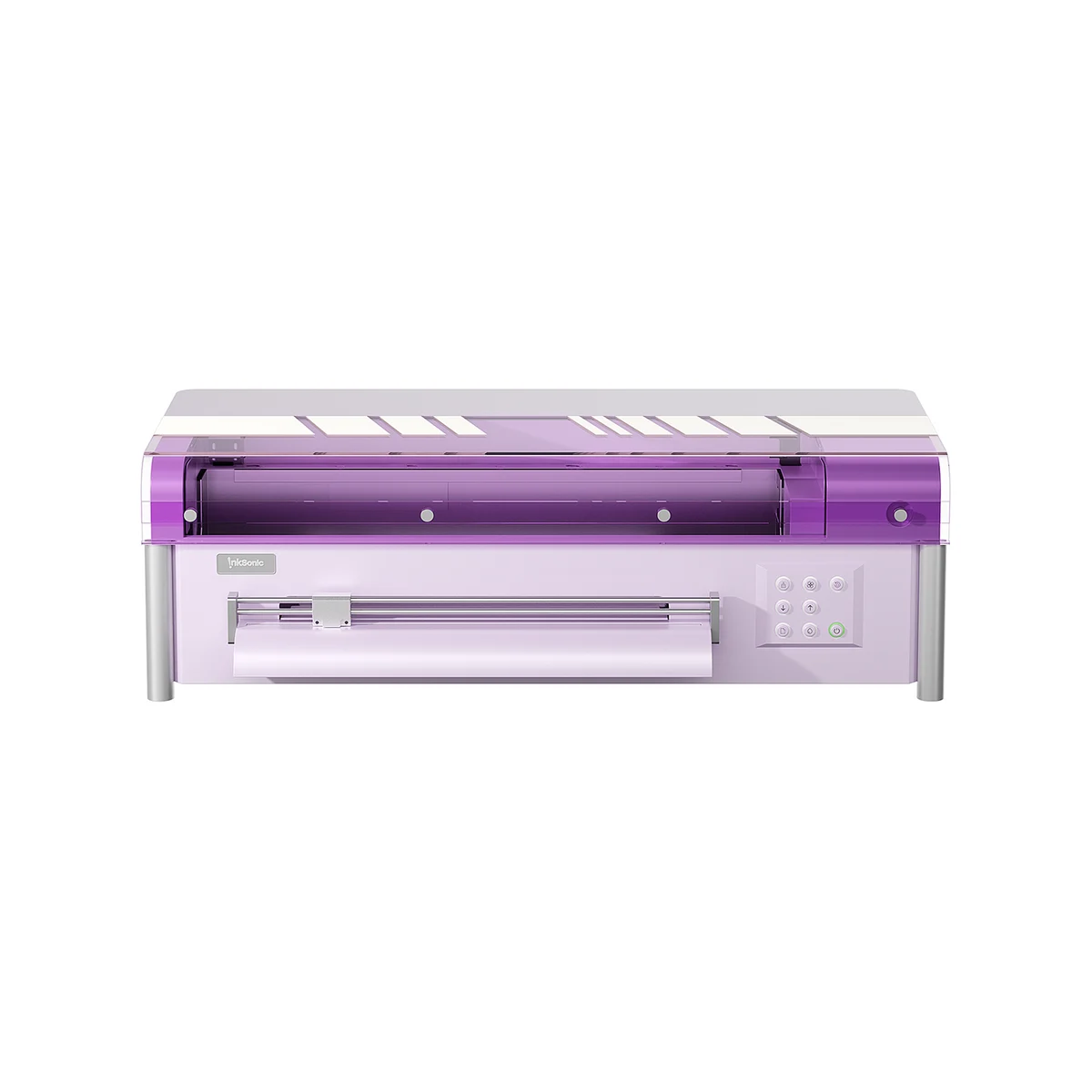 InkSonic Spark F13Epson L1800 | 8.5/10 | $2,099 Nov 15, 2026 | 13 in | 5 to 8 min per A3 print | Circulation, stirring, scheduled self-cleaning | Windows | 6 mo head · 6 mo machine | Check price at InkSonic |
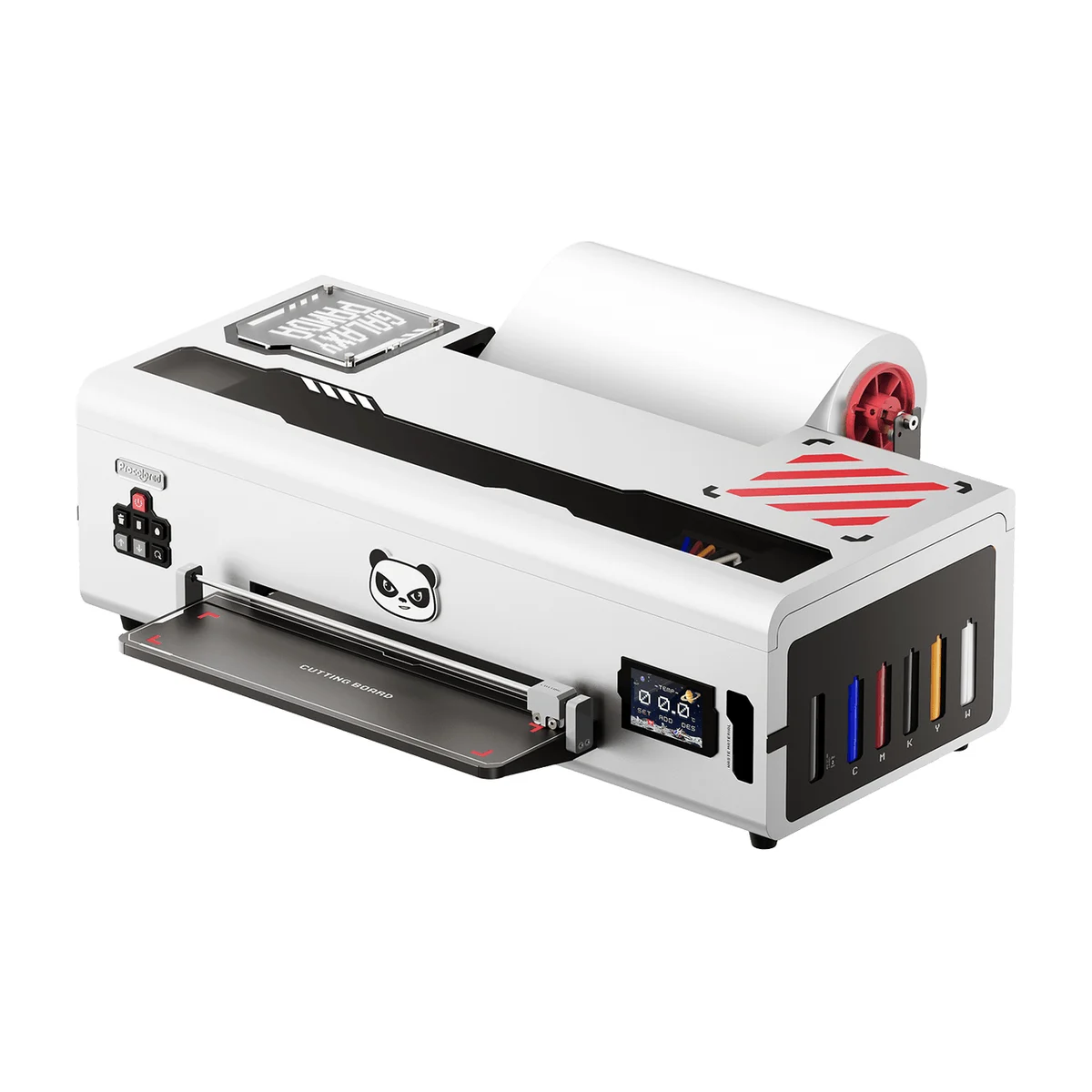 Procolored K13 LiteLH-500 (Procolored LiteHead) | 8.2/10 | $1,999 Nov 15, 2026 | 13 in | Letter/A4 print in 12.5 min, 5 prints per hour | Circulation, scheduled self-cleaning | Windows | 6 mo head · 12 mo machine | Check price at Procolored |
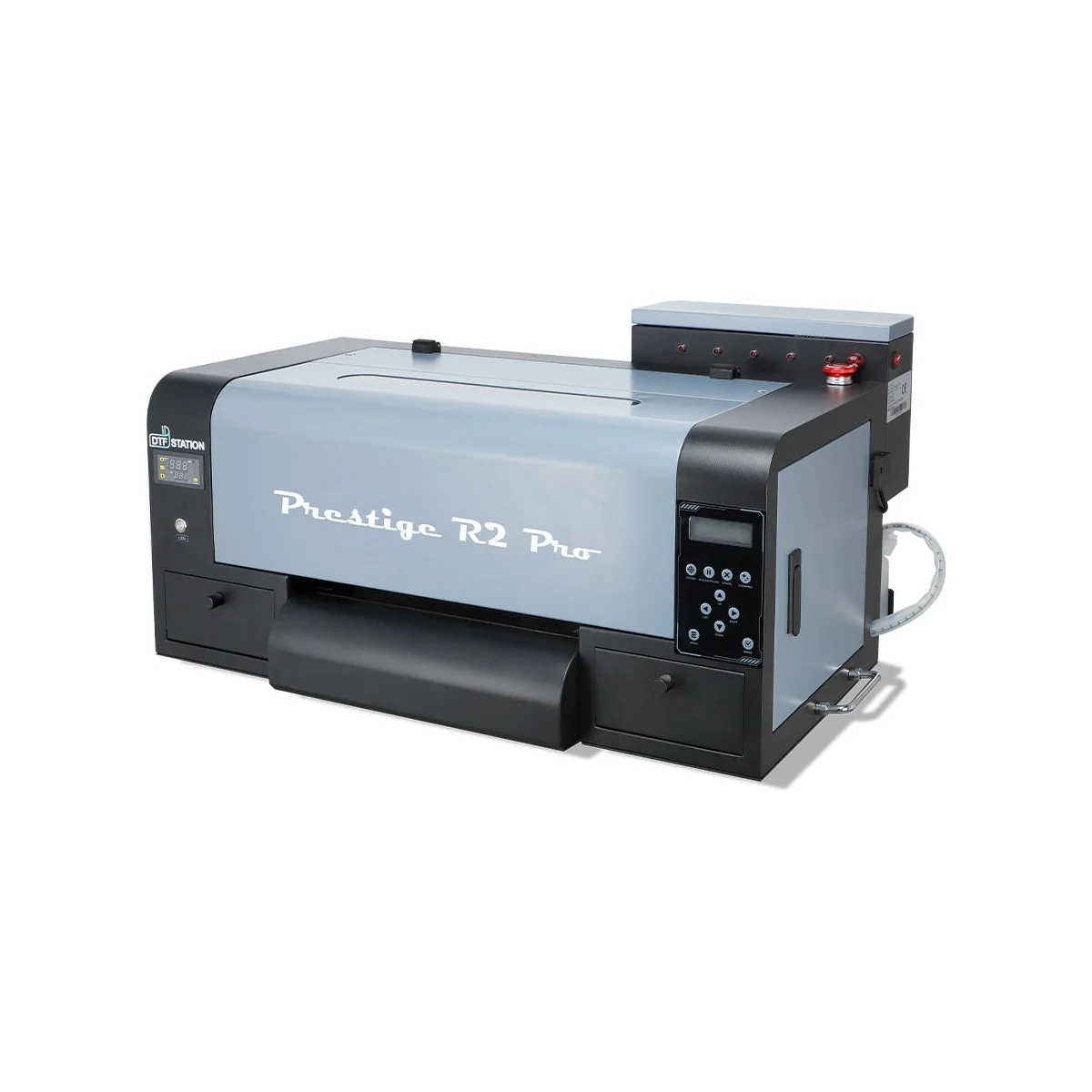 DTF Station Prestige R2 ProDual Epson i1600 | 8.1/10 | $8,745 Nov 15, 2026 | 13 in | 30 to 35 sq ft per hour | Circulation, stirring, scheduled self-cleaning | Windows | Conditional, see terms | Check price at DTF Station |
- Circulation keeps white ink moving through the lines: every 30 minutes on the Procolored K13 Lite.
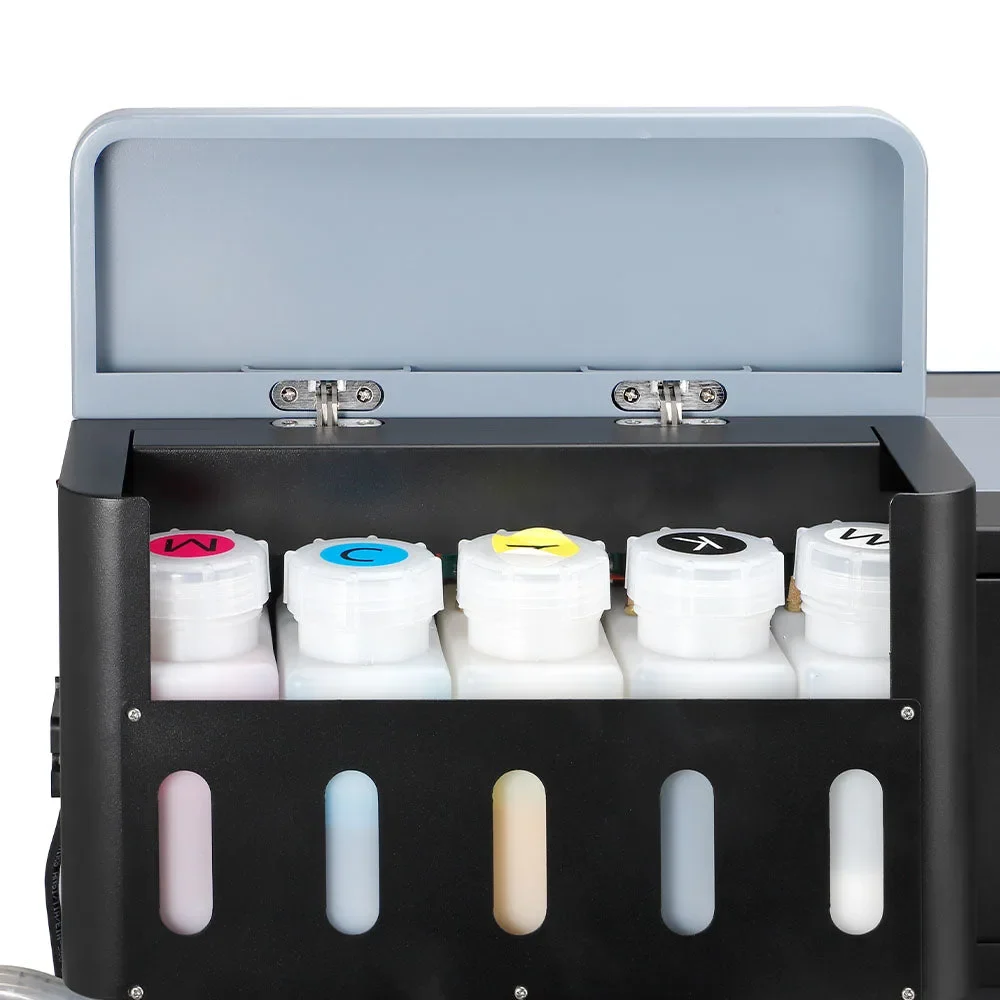
- Stirring keeps pigment from settling in the tank: HTVRONT D2, InkSonic Spark F13, xTool, DTF Station.
- Timed self-cleaning fires the nozzles on a schedule: every 10 hours on Procolored's entry models while they stay powered on, every 12 on the InkSonic, every 4 on the Prestige R2 Pro.
- Humidity control and wet capping keep the head moist when parked: only the xTool Apparel Printer Plus lists them.
Notice the condition on most of these: the printer has to stay powered on. Switch it off at the wall for a week and the timers stop.
What should you do before a vacation?
Up to a few days: leave the printer on and let its timers work. Procolored says its auto-clean uses about 1 ml of ink a day on the F13 and F8. The K13 Lite manual asks you to use the printer at least every 3 to 4 days. For a longer break, it says to use the moisturizer to protect the head, and several brands ship a moisturizing device for that purpose (InkSonic includes one with the Spark F13). Lancelot calls its version "holiday mode"; InkSonic, "vacation mode".
Past two weeks, ask the brand's support for its storage procedure before you leave. It usually involves protecting the head with a cleaning or moisturizing liquid, and getting it wrong is how heads die.
The white ink is not printing: what now?
"Not printing white" is the most common DTF complaint, and the first steps are the same on every machine: shake the white ink, run a nozzle check, run a head cleaning, check again. If more than half the channels are still missing, the K13 Lite manual describes a stronger "power ink flush"; follow your own manual here, because the procedure differs by model.
If that fails, stop and contact support before you take anything apart. Procolored and InkSonic both offer remote help, and the head may be under warranty: 6 months with one free replacement at Procolored, HTVRONT and InkSonic, 6 months for a single head at xTool, 3 months at Lancelot. Every one of these warranties requires the brand's own ink. A head damaged by other ink is on you.
What does it cost when maintenance fails?
The print head is the expensive part. xTool sells its Epson I1600 head for $999, a fifth of the printer's price. Cleaning supplies are small change next to that: xTool's cleaning fluid starts at $19 and its maintenance kit is $89; Procolored sells 500 ml of cleaner for $69.
You can also buy cover. xToolCare is $431.20 a year for the Apparel Printer Plus, and Epson's service plan for the SureColor F1070 is $1,132 a year. Whether that is worth it depends on how much you print; the running costs are laid out in our DTF printer price guide.
If the routine above sounds like too much, pick a printer by its white ink care first: that criterion counts for 30% of the order in our ranking of DTF printers for beginners. The InkSonic Spark F13 review and the Procolored K13 Lite review each have a section on idle days.
Sources: Procolored K13 Lite user manual (PDF), maintenance plan and environmental requirements; product and warranty pages of xTool, HTVRONT, InkSonic, Lancelot, DTF Station and Epson, read November 15, 2026.
Frequently asked questions
How often should I clean my DTF printer?
Every day you print: a nozzle check before the first job and a wipe around the head, wiper and capping station at the end of the day, per the Procolored K13 Lite manual. The pinch rollers are a weekly job.
How long can a DTF printer sit without printing?
Procolored's manual asks you to use the printer at least every 3 to 4 days and says more than two weeks without use can dry the ink and clog the head. Leave the printer powered on so its self-cleaning runs.
Why is my DTF printer not printing white?
Usually settled or dried white ink. Shake the white ink, run a nozzle check, then a head cleaning. If channels are still missing after the stronger flush described in your manual, contact the brand's support.
What humidity does a DTF printer need?
Procolored asks for more than 50% and InkSonic recommends 40 to 60% for the Spark F13. xTool and HTVRONT give an operating range of 30 to 80%. Dry air speeds up clogging.
How much does a DTF print head cost to replace?
xTool lists its Epson I1600 head at $999. Several brands replace the head once for free during the warranty: 6 months at Procolored, HTVRONT and InkSonic, 3 months at Lancelot.
Our selection
Three printers from this guide, with their score and the price we read on the maker's store.
xTool Apparel Printer Plus
A shop that prints every day and wants the machine to look after its own white ink.
HTVRONT D2
Crafters moving up from a heat press who want a kit that arrives complete.
InkSonic Spark F13
The cheapest way to get an oven: printer plus oven for $2,199.